E1 offers a number of subscription options, with different features, team sizes and project visibility available.
Only an Administrator level access user can upgrade an account.
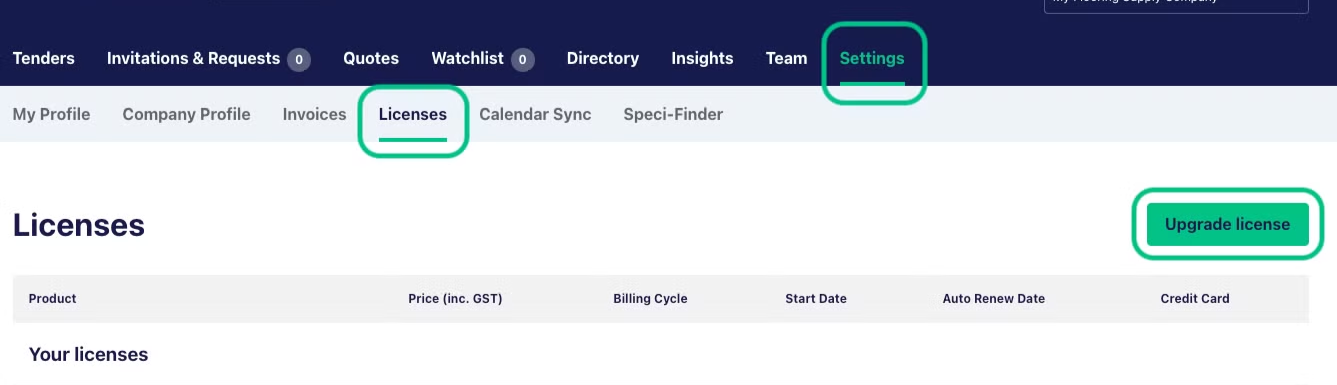
To upgrade from your current subscription, head to Settings - Licences and click the ‘Upgrade license’ button.
Please note, if the Licenses tab is not there, you don’t have Administrator-level access on your account. If the Upgrade button is not present, you are currently on the top-level subscription.
You’ll be taken to a plan selection page, outlining the different feature levels available. Select the level that suits you best and we’ll be in touch to upgrade your plan.
You can also reach out to us here for assistance with upgrading your account.
Please note that if you need to change your account type from Subcontractor to Supplier, please contact our team.
To upgrade multiple state licenses
To add any additional states please contact us here.